Apple Moved Control Center in iOS 12 on the iPad—Here’s Where to Find It
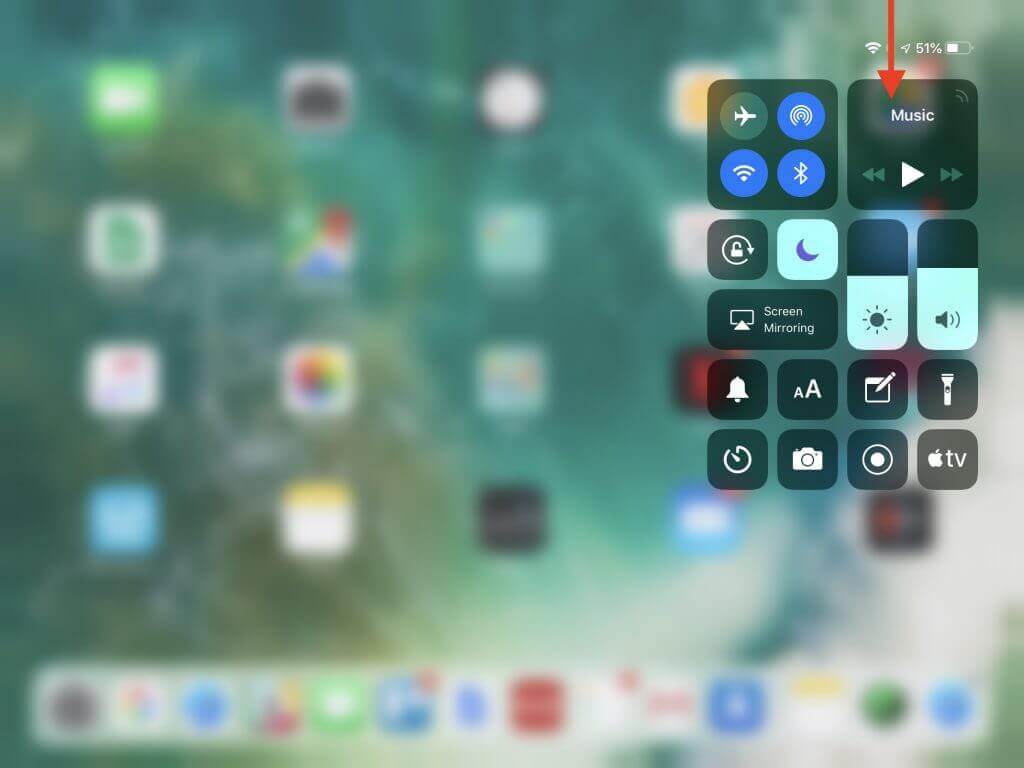
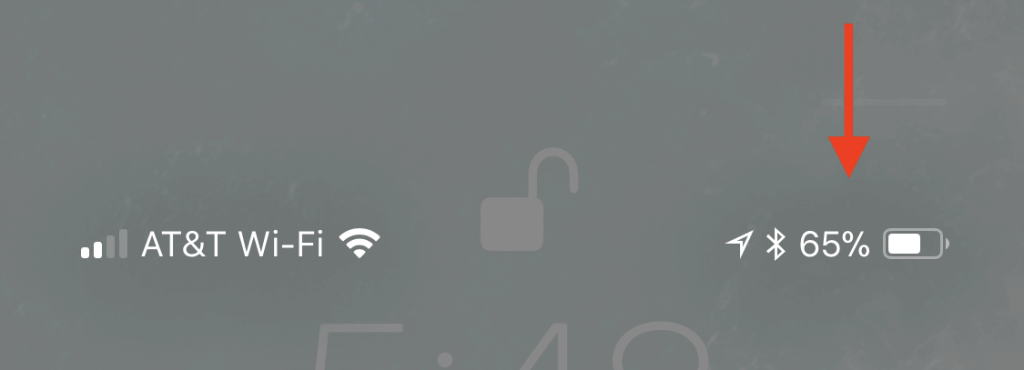
Although most of what’s new in iOS 12 are new features, one change for change’s sake may throw you. In iOS 11 on an iPad, you would bring up Control Center by swiping up from the bottom of the screen, just like on all iPhones other than the iPhone X. With iOS 12, however, Apple brought the iPad in line with the iPhone X and the recently released iPhone XR, XS, and XS Max. Swiping up from the bottom of the screen on the iPad now reveals the Dock, and if you continue swiping, the App Switcher. But no Control Center! To bring up Control Center, swipe down from the upper-right corner of the screen—use the Wi-Fi and battery icons as a reminder.